
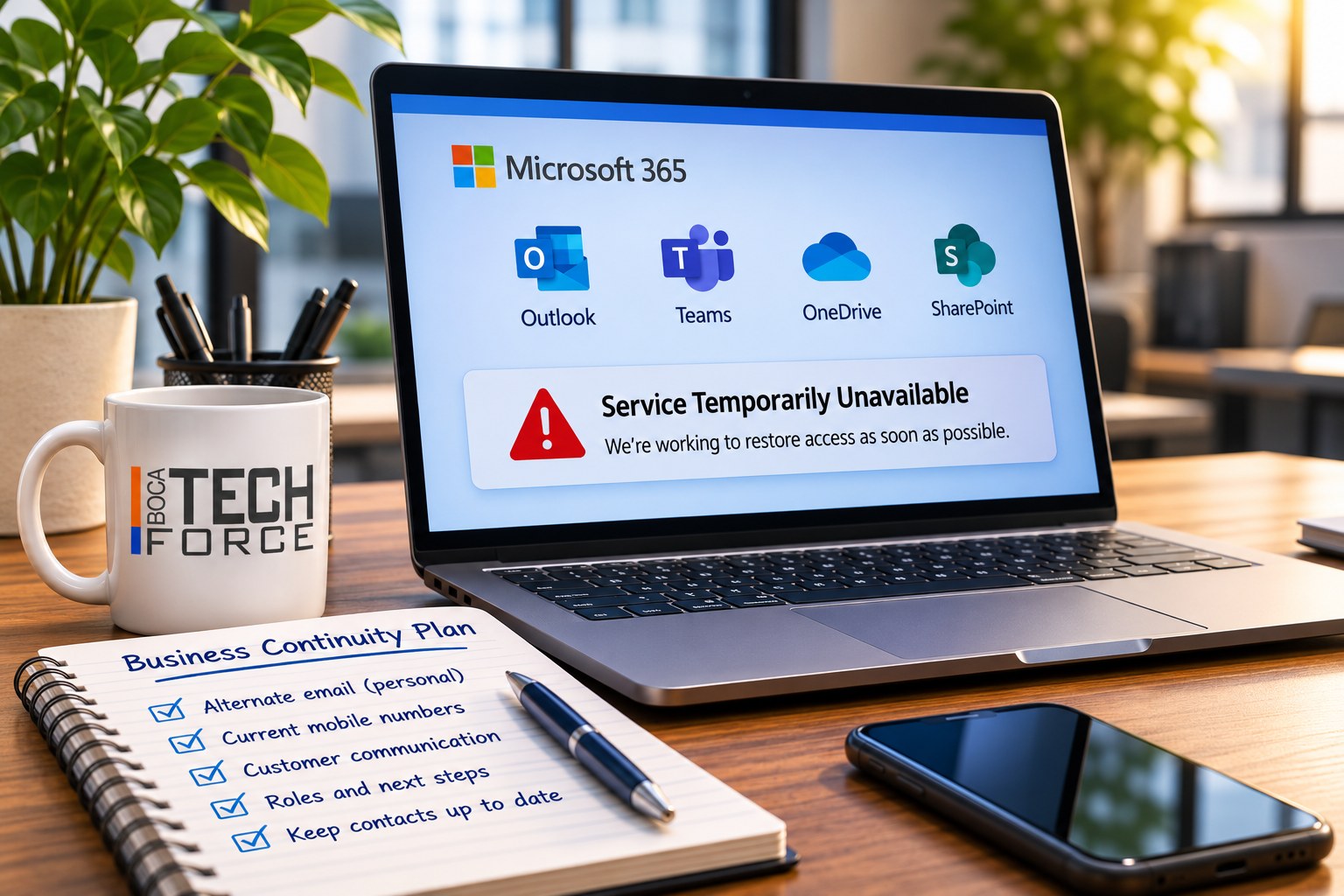
Last week's Microsoft 365 outage was a reminder that even the largest technology providers can experience serious disruptions.
For many small businesses, Microsoft 365 is much more than email. It's where employees communicate, schedule meetings, share documents, and manage their daily work. When those services become unavailable, business operations can quickly come to a halt.
When everyday work suddenly stops
An outage doesn't have to last all day to cause problems. A document you need for a customer meeting may be unavailable. A message may not reach a colleague. Your usual way of telling everyone what's happening may be affected by the same disruption.
There's nothing inherently wrong with relying on cloud services. In fact, they offer significant advantages over traditional infrastructure. But relying on them without a contingency plan is another matter.
A few preparations can make a difference
Start with communication. If your company email and Teams are unavailable, how will your team stay in touch? An up-to-date list of mobile numbers and an agreed alternative communication method can save a lot of confusion.
Then consider the information people need to keep working. Which documents, appointments, or customer details are essential? Decide what needs to be available through an approved, secure alternative, and make sure the right people know how to access it.
Customers need consideration too. Who will contact anyone waiting for a response, and what should they say? Having one person coordinate updates can help everyone share a consistent message.
That doesn't necessarily mean investing in expensive redundant systems. Sometimes, a few well-planned procedures can make a significant difference.

Have a plan before you need it
At BocaTechForce, we believe businesses should know how they'll communicate during an outage, which systems are critical to their operations, and what alternatives are available when something goes wrong.
A short plan that people understand is a useful starting point. Walk through it with your team occasionally, check that contact details are current, and make sure the alternatives work before you need them.
The lesson isn't to stop trusting the cloud. It's to be prepared for the occasional day when the cloud isn't available.